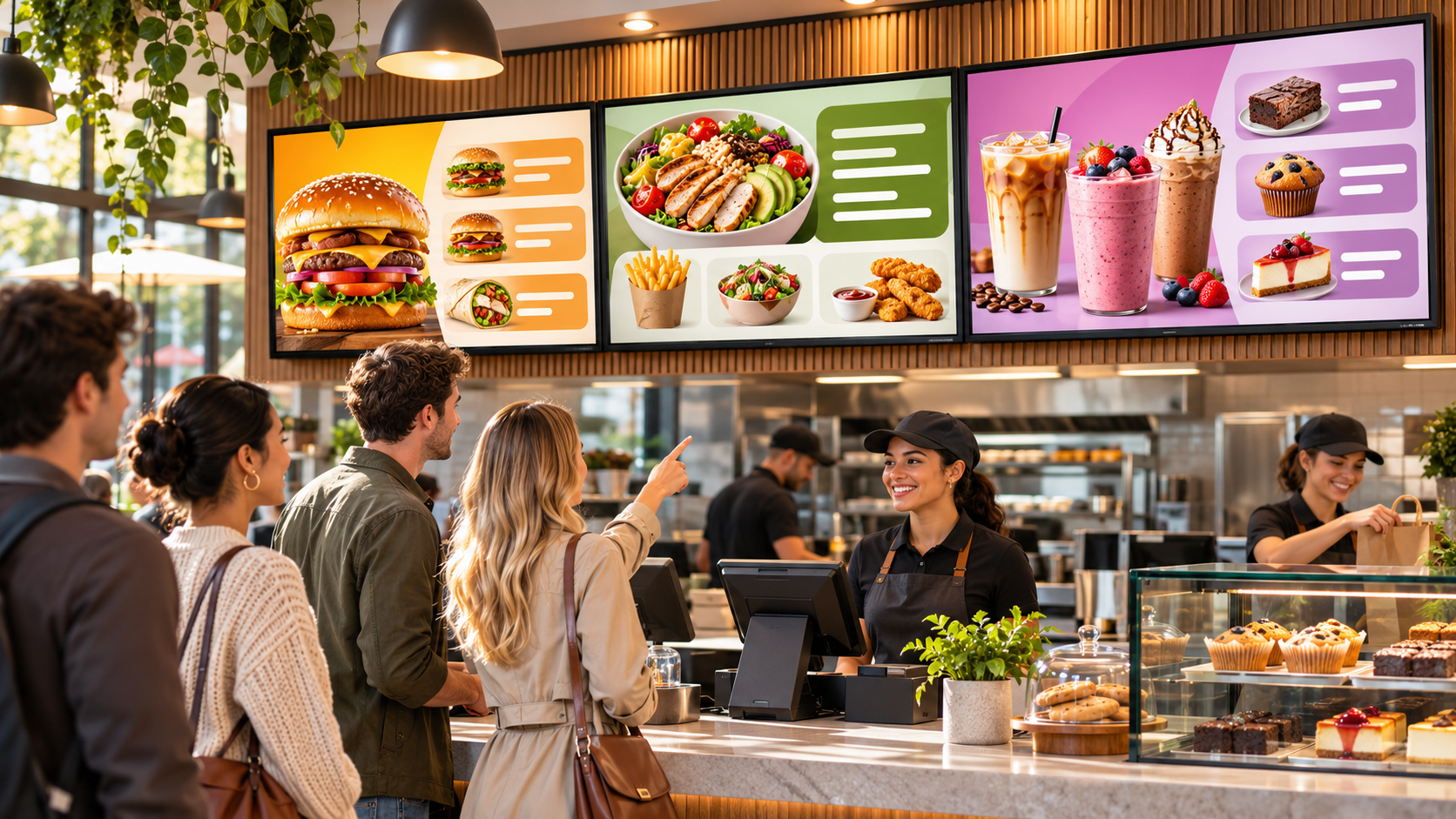
Peak trading puts your screens under pressure...Black Friday is the week your digital signage works hardest. Footfall is up, offers change by the hour, and every screen is competing with every other deal in the building.
It's also the week small signage mistakes become very visible: last week's price still showing, a deal that ended this morning, or one store running different offers from the rest.
The latest
SignStix updates were built with weeks like this in mind. Here are six features that help you plan faster, change offers safely and see what actually worked.
1. Change offers across every store at once with EDD
Black Friday pricing rarely changes in one place. EDD (Excel Direct to Director) lets you make those changes in bulk, straight from a spreadsheet.
You send us CSV files exported from Excel, and SignStix creates or updates your playlists, sequences, schedules, assignments and tags in one go. EDD works with the names you already use, not system IDs, so your team can prepare the files without any technical knowledge.
Once the update runs, you get a report email, with a CSV of any rows that need fixing. For a large estate, that turns hours of clicking into a single spreadsheet.
2. Put the deal on the shelf with shelf edge displays
The most persuasive place for a Black Friday price is right next to the product. The latest SignStix Android player (version 3.4.3) adds dedicated user interfaces for shelf edge displays.
That means offers, prices and short messages can run on slim displays along the shelf, managed from the same SignStix platform as the rest of your screens. Change a deal centrally, and the shelf updates with it.
Version 3.4.3 also adds support for more display hardware, including AllSee GV3568 and Lamasa Tech MuroDv2s3568 displays.
3. Keep campaigns organised with Tag Manager and the Wizard
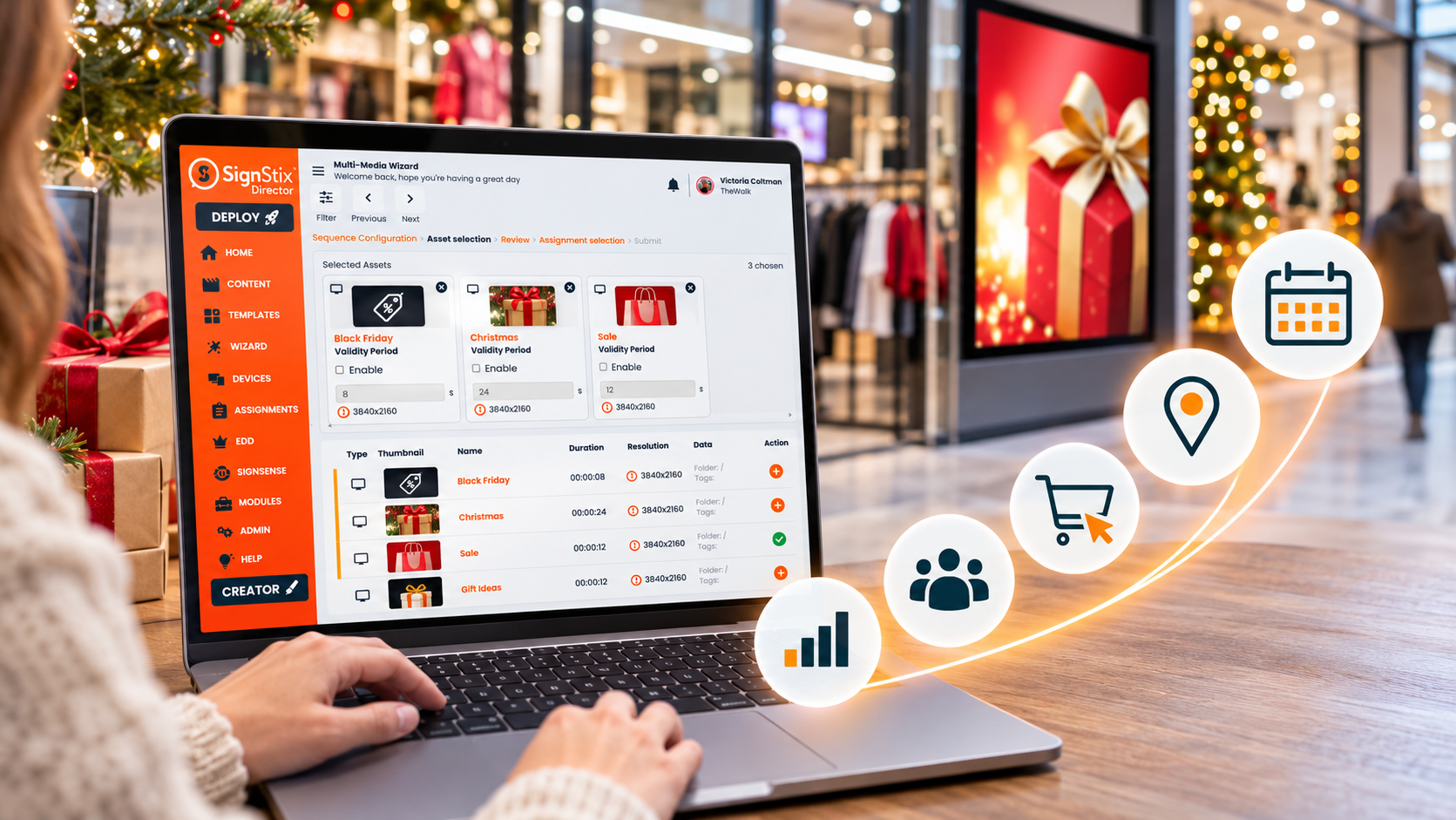
Black Friday, Cyber Monday, Christmas and the January sale can all land in the same few weeks.
Tag Manager in SignStix V4 gives every tag one meaning across your whole network, so seasonal content is easy to find, deploy and retire.
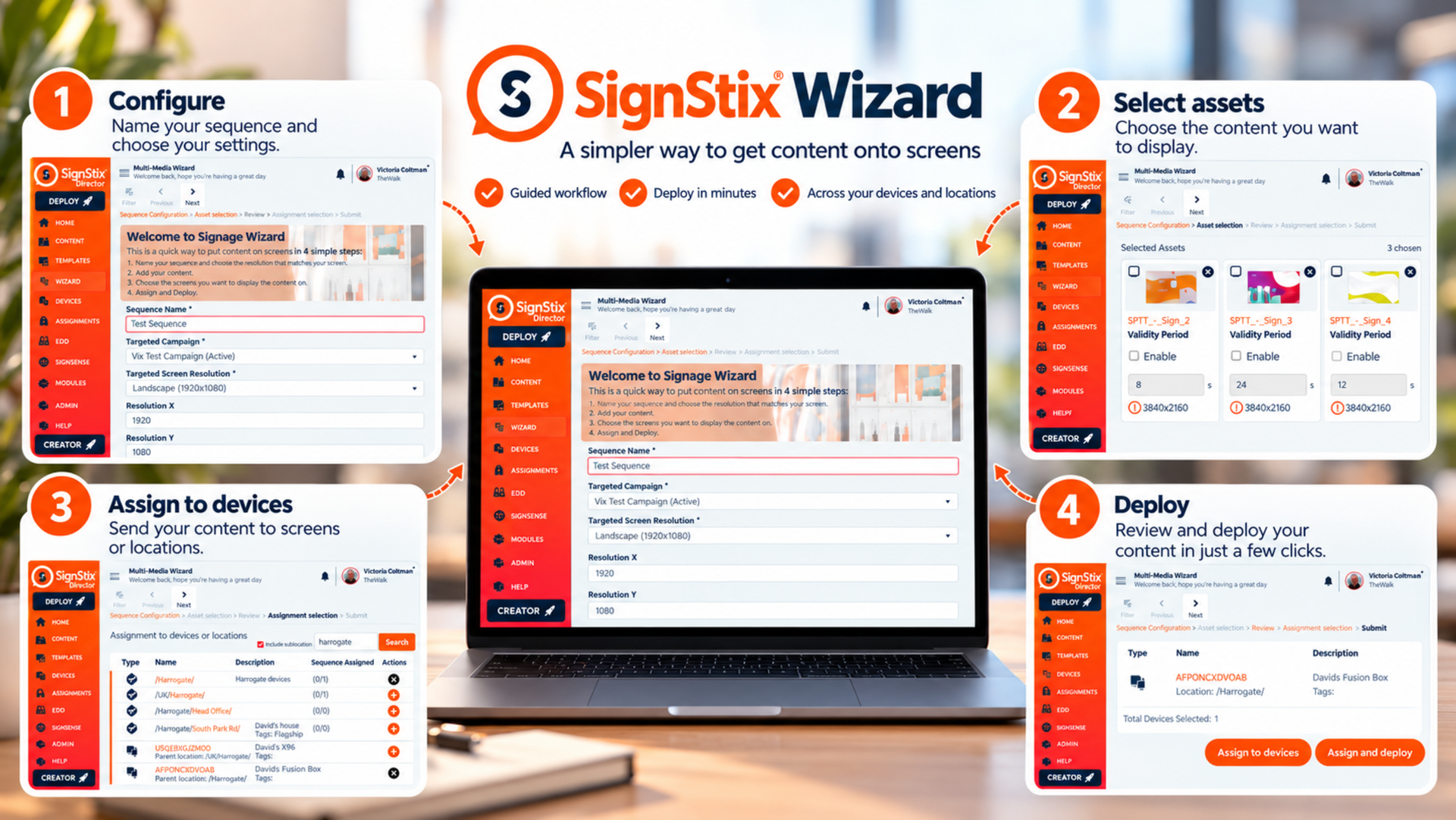
When it's time to go live, the
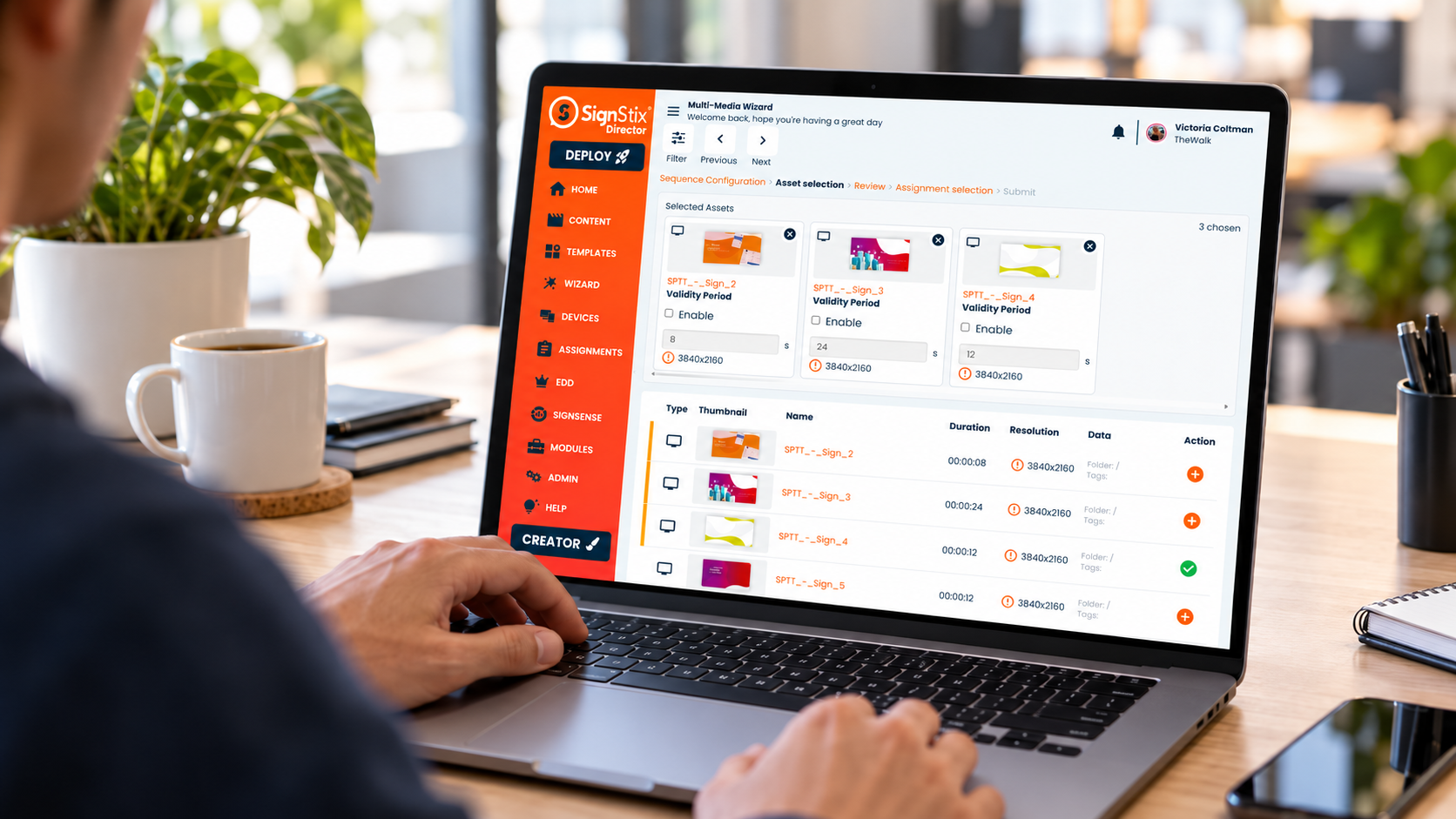
SignStix Wizard takes you through four steps: configure your sequence, select your assets, assign them to devices or locations, and deploy. A flash deal can be on screen in minutes, without a trip through every menu.
4. Move fast without mistakes, using roles and permissions
Speed matters on Black Friday, but so does getting the price right. SignStix V4 lets you split the work across clear roles, so the right people do the right jobs:
- Writers prepare the offer content
- Approvers check it before it goes anywhere near a screen
- Deployers and
Assigners put it on the right devices
- Commanders make quick, local changes on site when plans shift
You can also restrict users to their own locations. A store manager can update their own screens when stock sells out, without any risk of changing another store's offers.
5. Combine live content and offers with SignFusion
If your venue shows live TV or streams, SignFusion lets you wrap that live picture in your own promotions on the same screen. Version 3.4.3 of the player gives you more control over how the two work together:
- Dynamic layers: reposition and resize the live layer on the fly, so offers can take more of the screen at key moments
- Layer order: bring the live picture to the front, or send it behind your signage
- Audio: SignFusion content can now play sound
SignFusion runs on FusionPlayer with player software version 3.4 or later.
6. Find out what worked with SignSense and Proof of Play
The week after Black Friday is when you decide what to do differently next year. SignSense gives you the evidence, measuring footfall, dwell time, gaze, age and gender at your screens, window displays and product stands.
Images are processed on the FusionPlayer and never stored or sent; only the measurements leave the device. Everything appears live in a configurable dashboard, broken down by location.
- Proof of Play: see exactly what ran, where and when, either in detail or aggregated by hour
- Weather data: compare footfall against temperature, wind and conditions, so a quiet afternoon has context
- History: data is kept for up to 12 months as standard, ready for next year's planning
Your last-minute Black Friday checklist
- Schedule every offer to start and stop automatically
- Tag your Black Friday and Cyber Monday content so it's easy to find and retire
- Get offers approved before they go live
- Give store teams the access they need to make local changes
- Have backup content ready in case stock sells out
- Make sure you can see what played, and who was watching
Want help getting your screens ready for peak trading, or to see any of these features in action? Call the SignStix team on
0113 531 3636
or get in touch
online.