Digital signage platforms give users the ability to create easily, manage and deploy digital content to any device, anywhere in the world. While the idea of switching to digital signage can seem like a big project, once implemented it can reap countless rewards for all types of businesses, whether it be a retailer, a hotel, or a company using signs to communicate internal messages.
There are so many different digital signage platforms to choose from and making a checklist of what your initial needs are will be of paramount importance to ensure your project runs smoothly.
Here are our top 9 SignStix features that make digital signage easier for the user…
1. Web-based platform
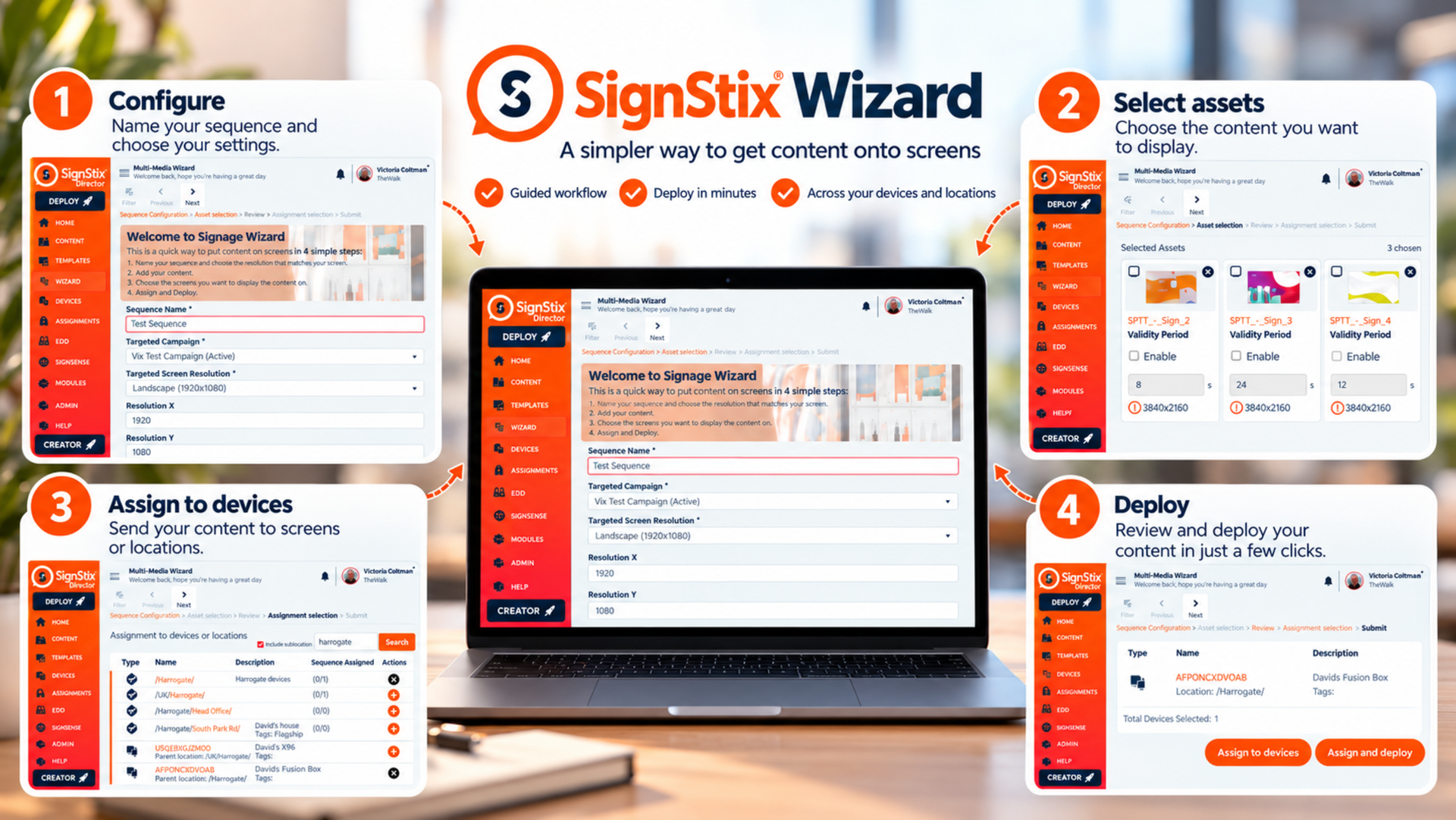
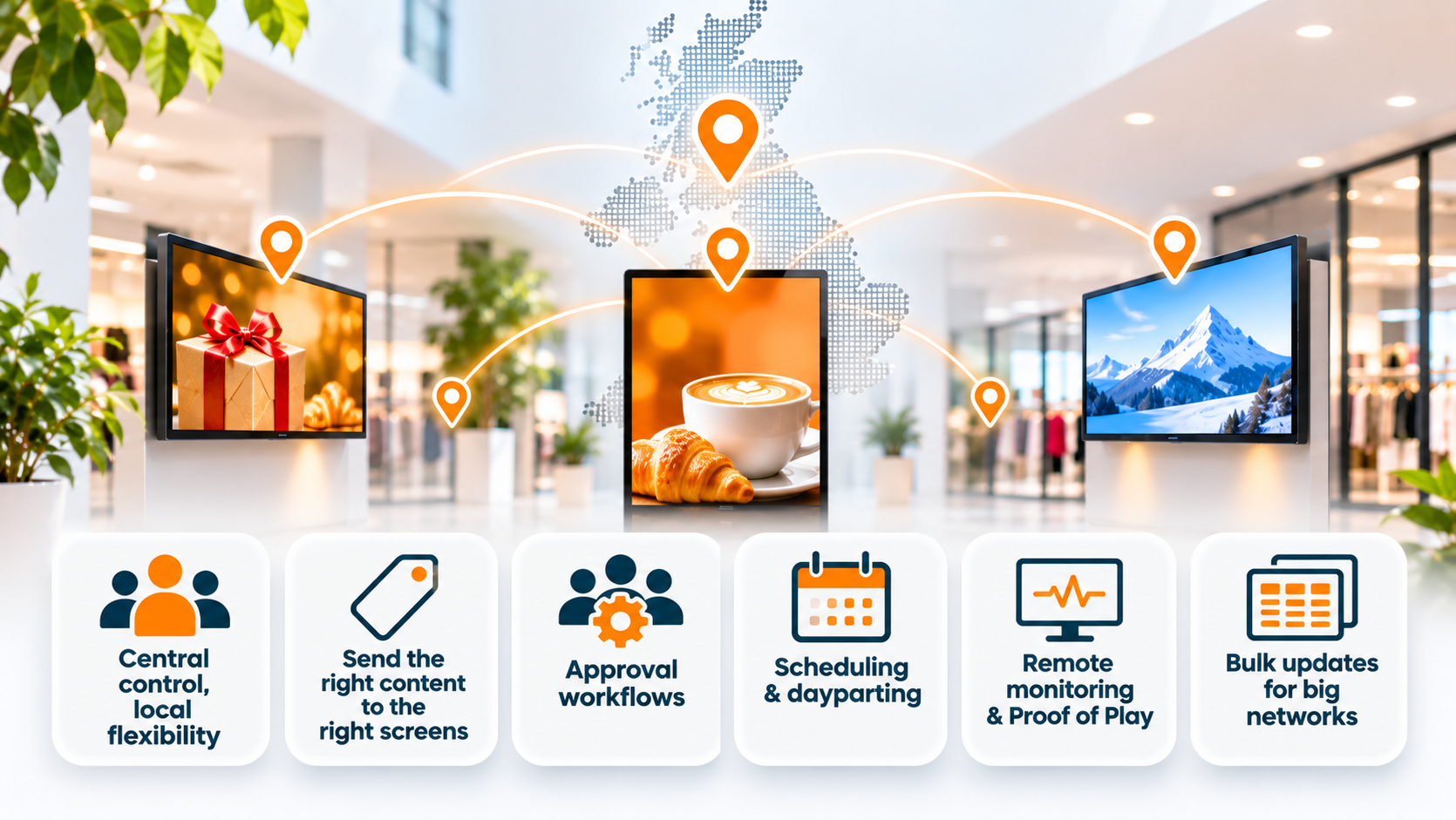
SignStix is a low-cost, web-based digital signage platform that pushes content to any device anywhere in the world. All you have to do is plug the device into any screen and connect it to the web – that’s it. No additional IT required!
2. Video walls
Videos walls are one of the most commonly requested features of a signage platform and SignStix handles this out-of-the-box. Enter the dimensions of your wall and what section of the video image you want to show on each screen and SignStix takes care of the rest.
3. Sequencing
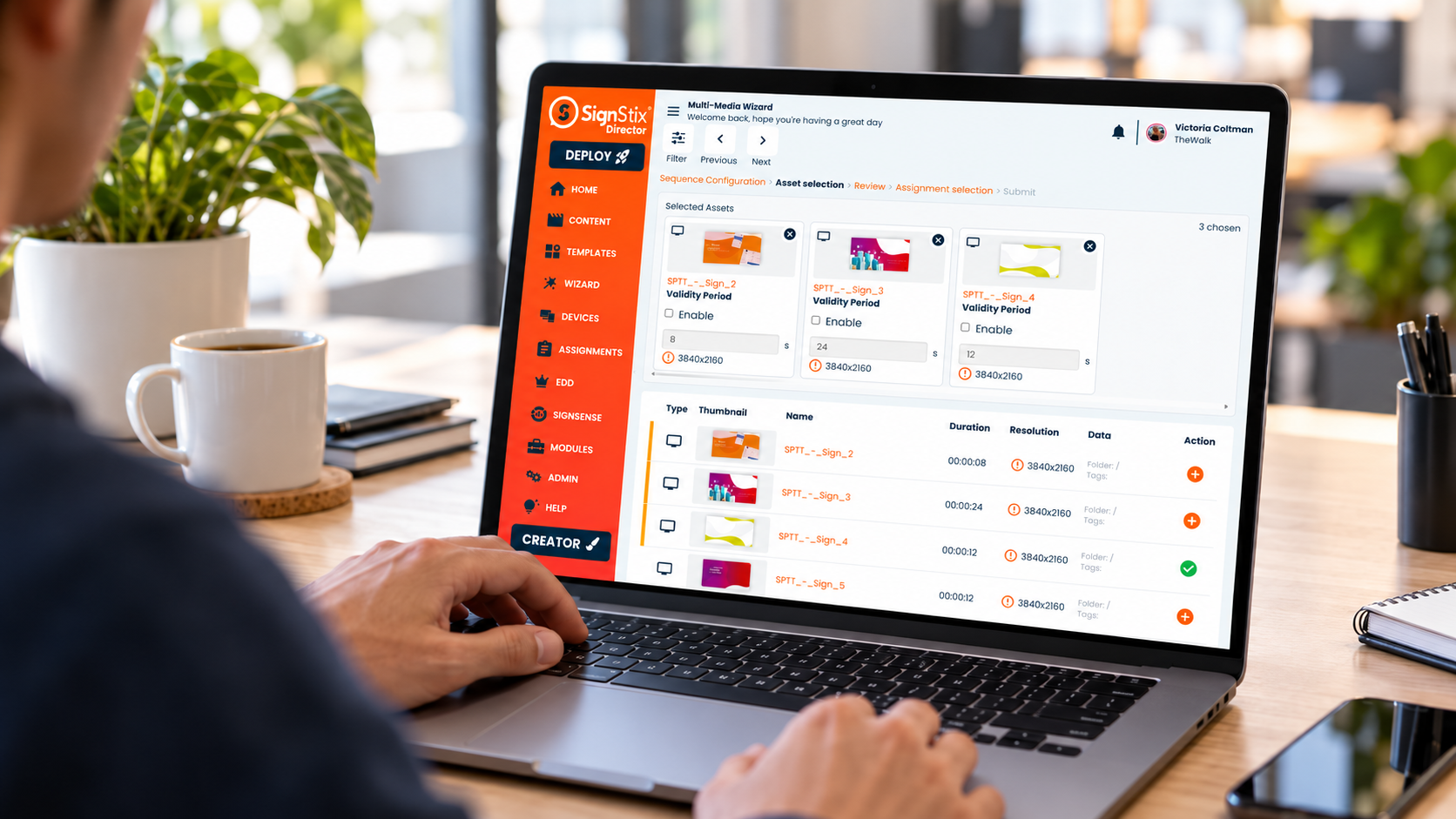
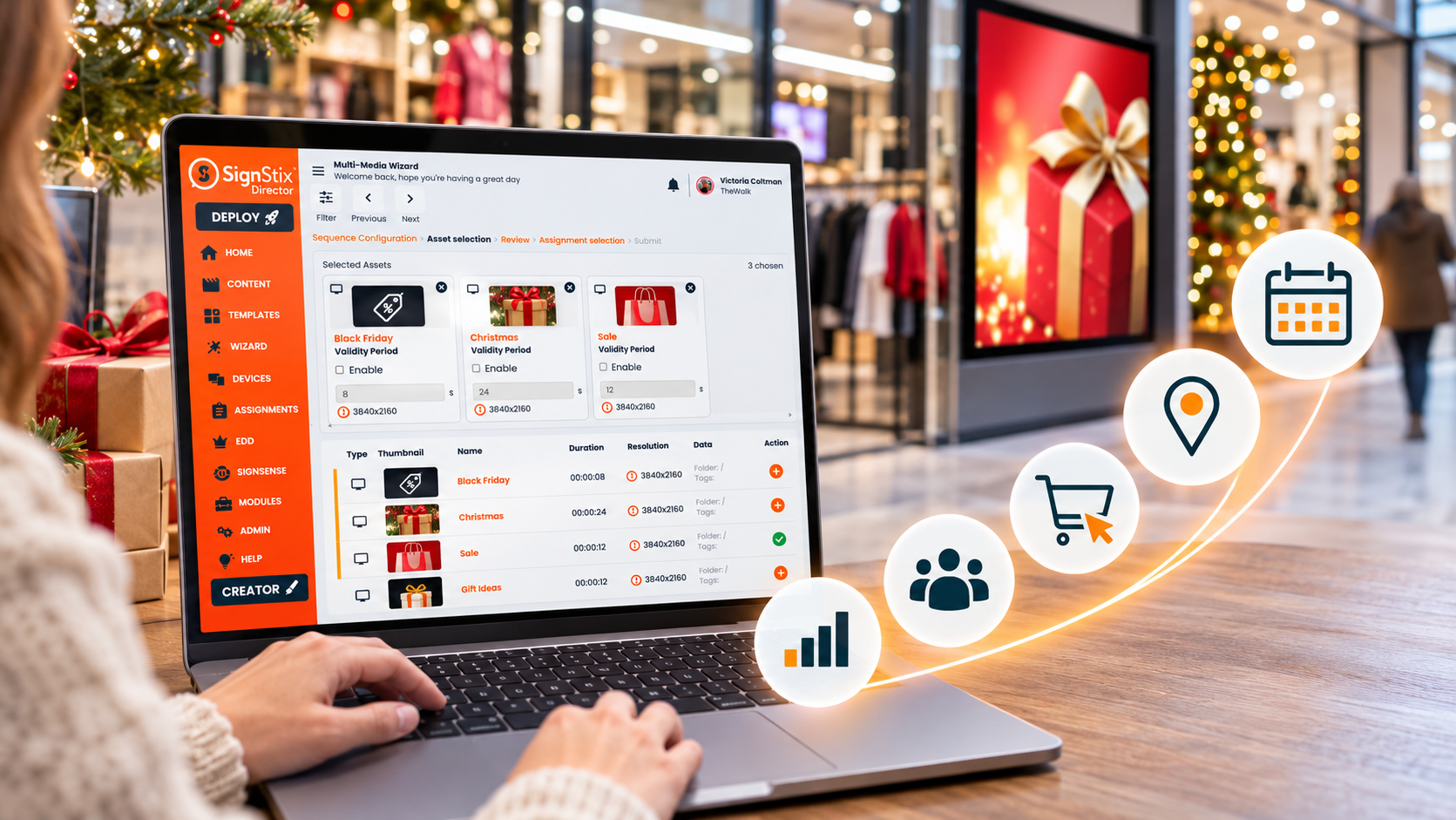
Sequencing empowers SignStix users to create a defined running order of signs and they can decide how many times to play individual signs before moving onto the next one. This is all created via an intuitive “drag & drop” interface and enables users to show important signs more often than others.
4. Scheduling
Scheduling is one of SignStix’s most powerful and useful features. With scheduling, users can configure specific signs or sequences to display at certain times of the day and on specific days of the week. Scheduling prevents the need to work at weekends or un-social hours as deployments can be configured in advance. Likewise, signs for regular events can be set to run at the same time, for example, a sign reading “This store will be closing in 15 minutes – please make your way to the checkout” could be scheduled to display automatically 15 minutes before store closing time each day.
5. Diagnostics & health checks
The device admin section of Director offers comprehensive monitoring tools allowing Administrators to support the device remotely. You can view uptime over the past 24 hours, view a diagnostics report, and even request a screenshot of what sign the screen is currently showing, all through an intuitive web interface.
6. Layer locking
Brand guardians can prevent unwieldy use of their company’s brand collateral by locking down certain elements of a sign and creating templates. For example, a standard header and footer for use on all signs. Better still only users with the “Locker” permission will be able to edit the locked layers.
7. User roles
SignStix offers configurable User Roles that allows clients to configure workflows that match their internal business processes and ensure governance over the use of the platform.
8. Data-driven signage
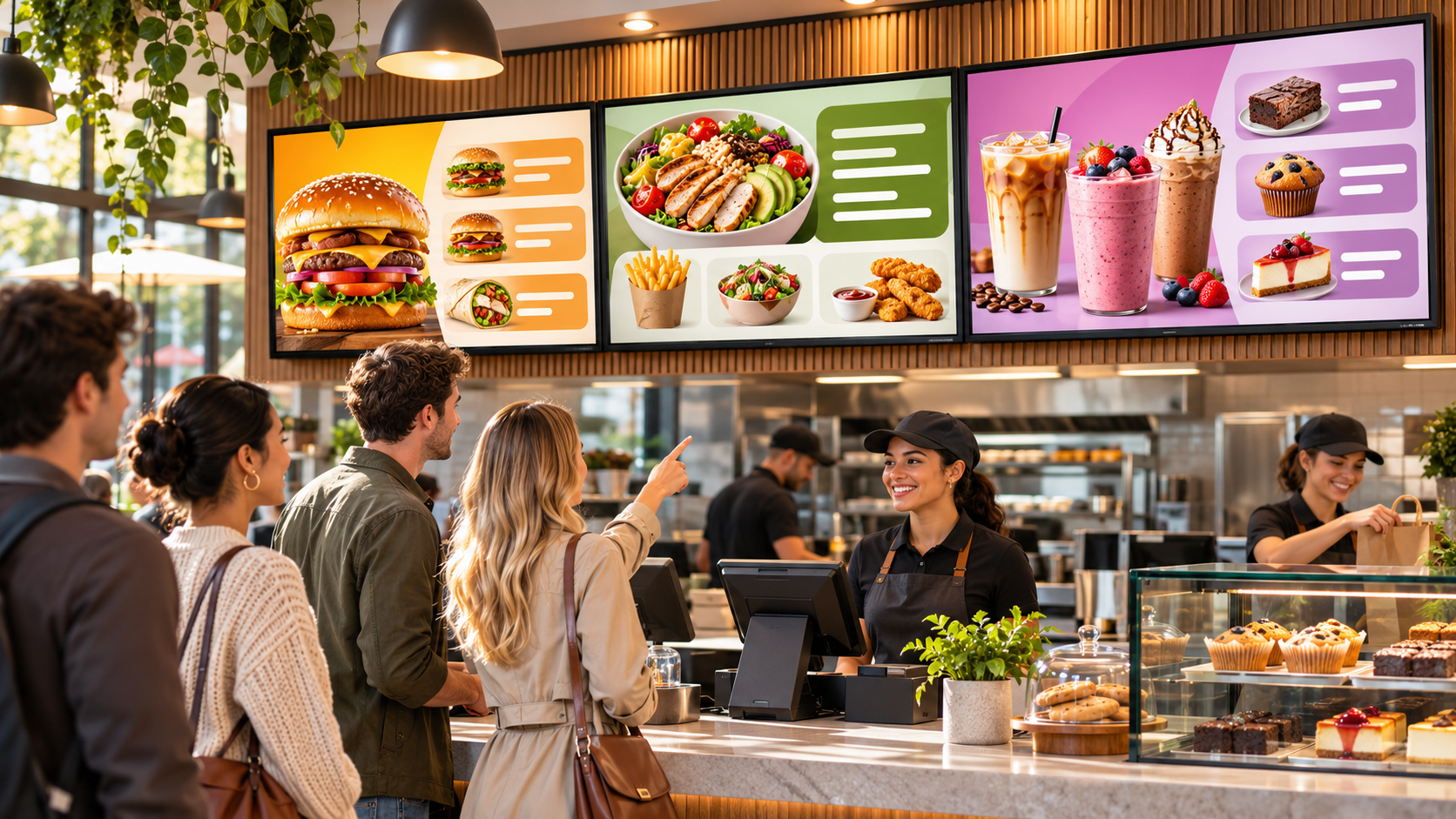
It is common that many clients have the same product/service for different prices at different locations. The Data Objects feature allows users to define pricing tiers independent of the sign. The pricing tier is then assigned to a zone. For example, a restaurant chain may have a “Standard Price” and a “London Price”. Once assigned to a zone the prices can be adjusted without the need to open and edit the individual signs.
9. RSS feeds
SignStix users can create engaging signs using a combination of video, animation and RSS feeds. RSS feeds can be taken from any source, e.g. the local news and weather or even the client’s own news page. RSS feeds help keep signs fresh and provide the viewer with important real-time information.
View the full
SignStix Features.